
01
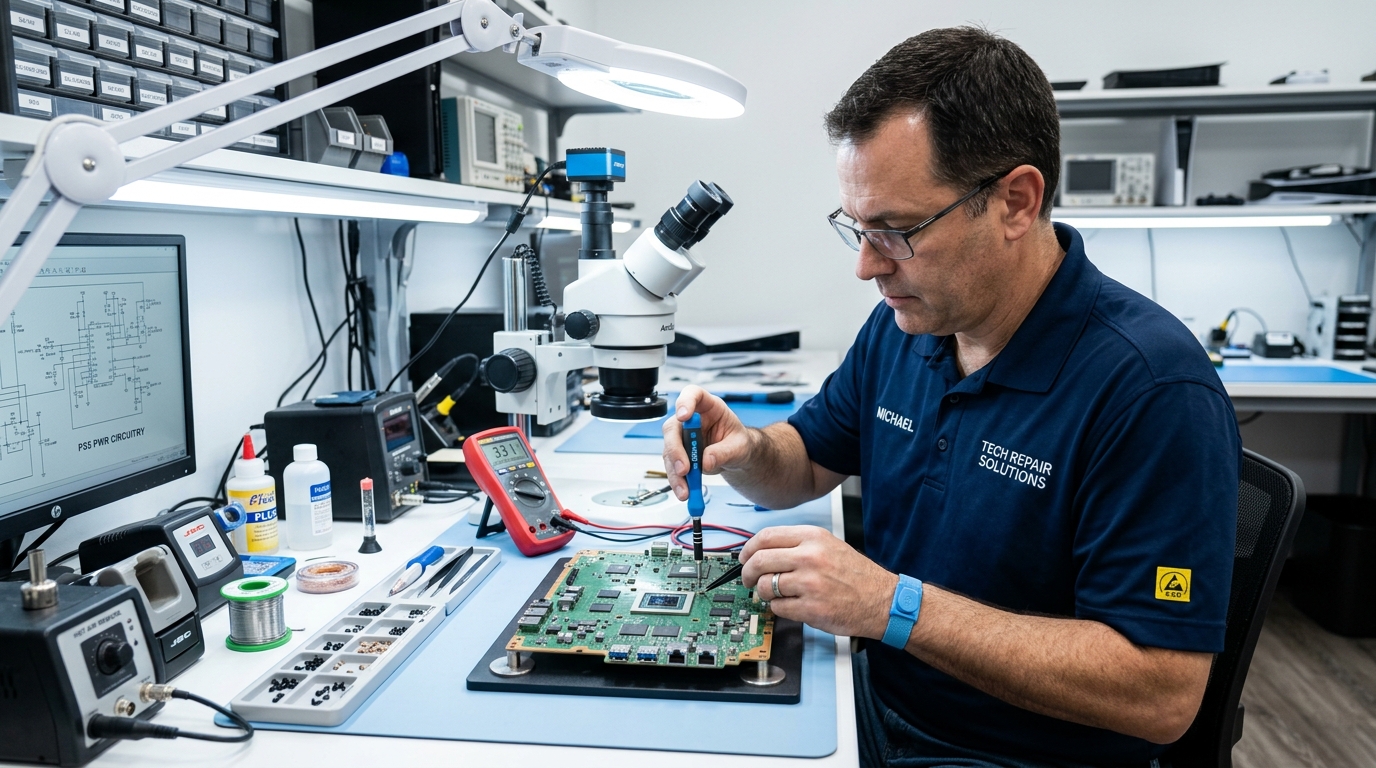
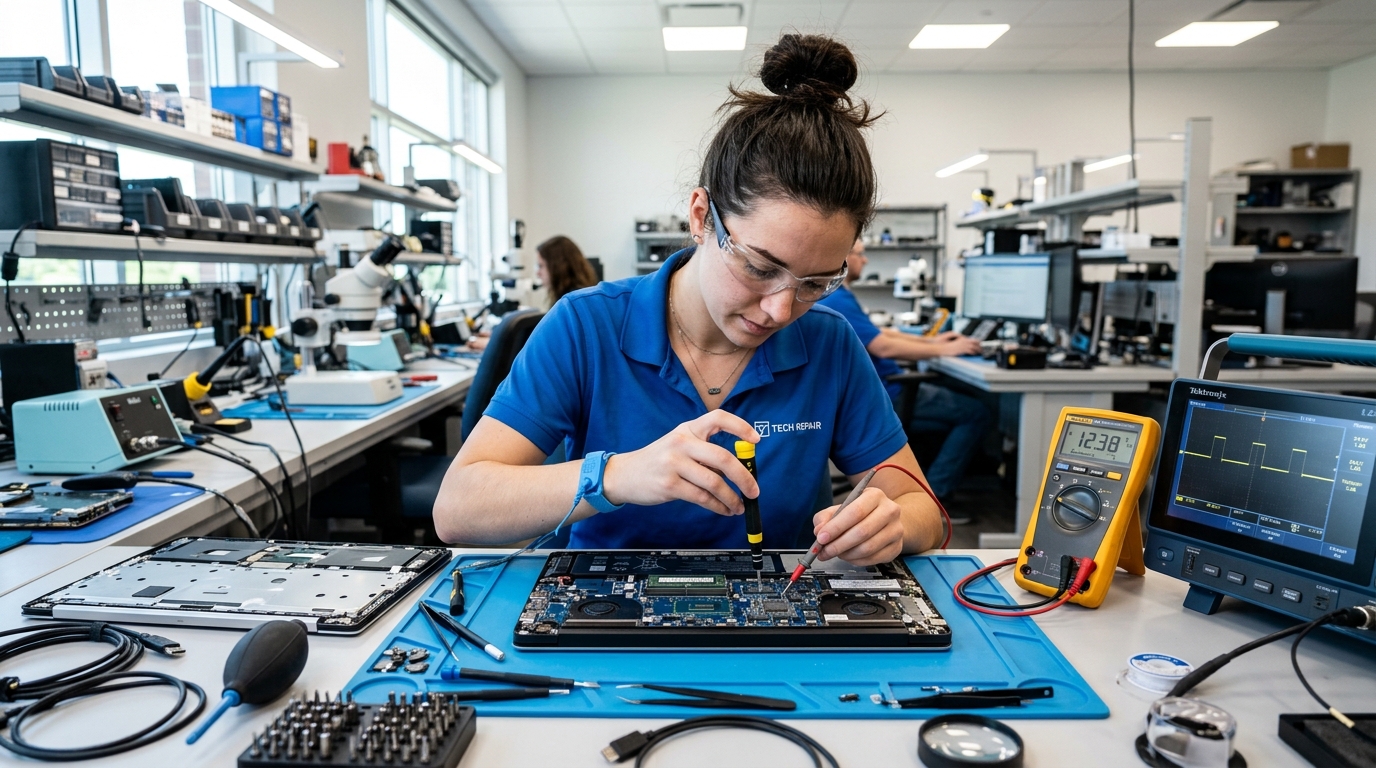
How to Choose a Local PC & Laptop Technician
Review device intake, data protection, diagnosis details and replacement claims before handing over your computer.
Use these simple points before hiring a local repairman so you can better understand the diagnosis, price, parts and written terms.
Get a clear explanation of what was inspected before approving any work.
Confirm which part is faulty and why replacement has been recommended.
Check inspection, labor and replacement-part charges separately.
Ask for a receipt and clearly stated service or part warranty.
Select a category to learn what to check, what to ask and what details to confirm before agreeing to local repair work.
01
Review device intake, data protection, diagnosis details and replacement claims before handing over your computer.
02
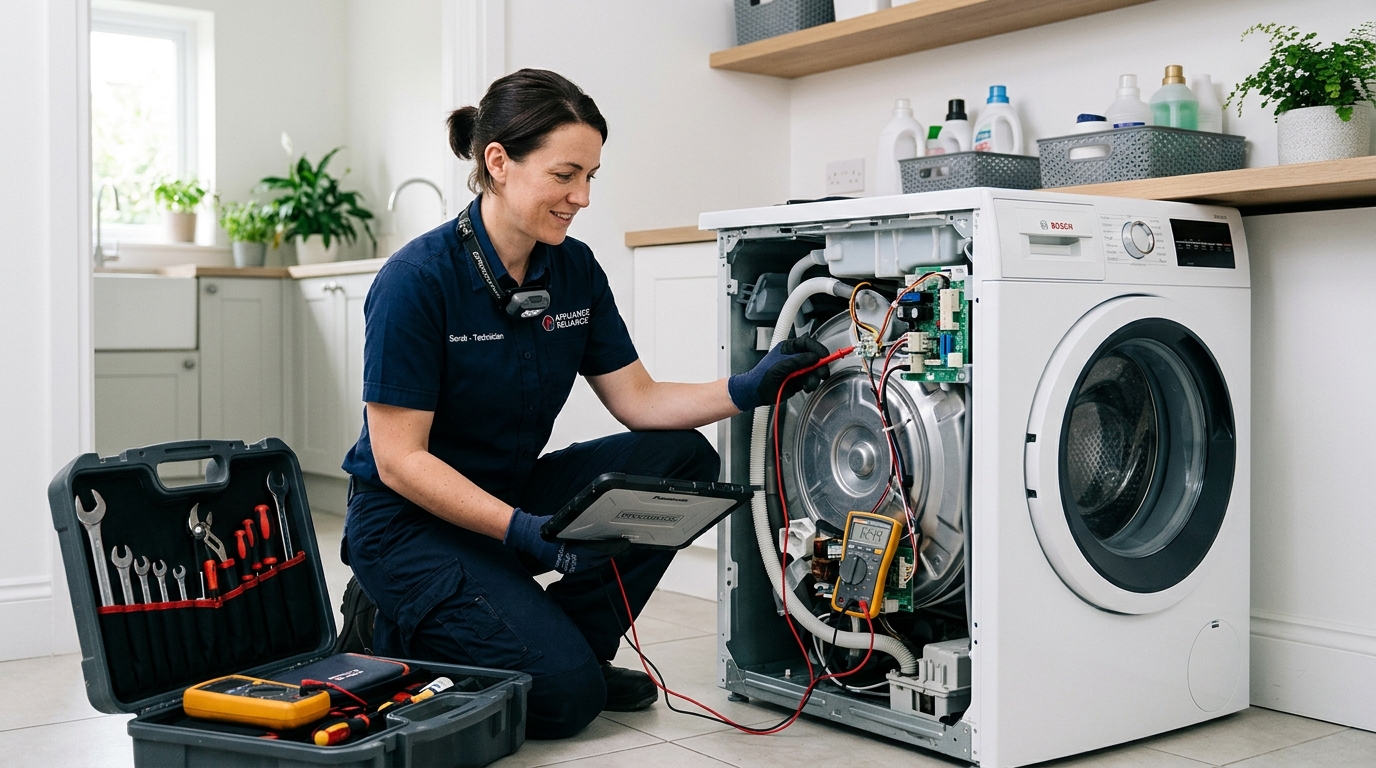
Understand the diagnosis before agreeing to motor, pump, PCB or other replacement recommendations.
03
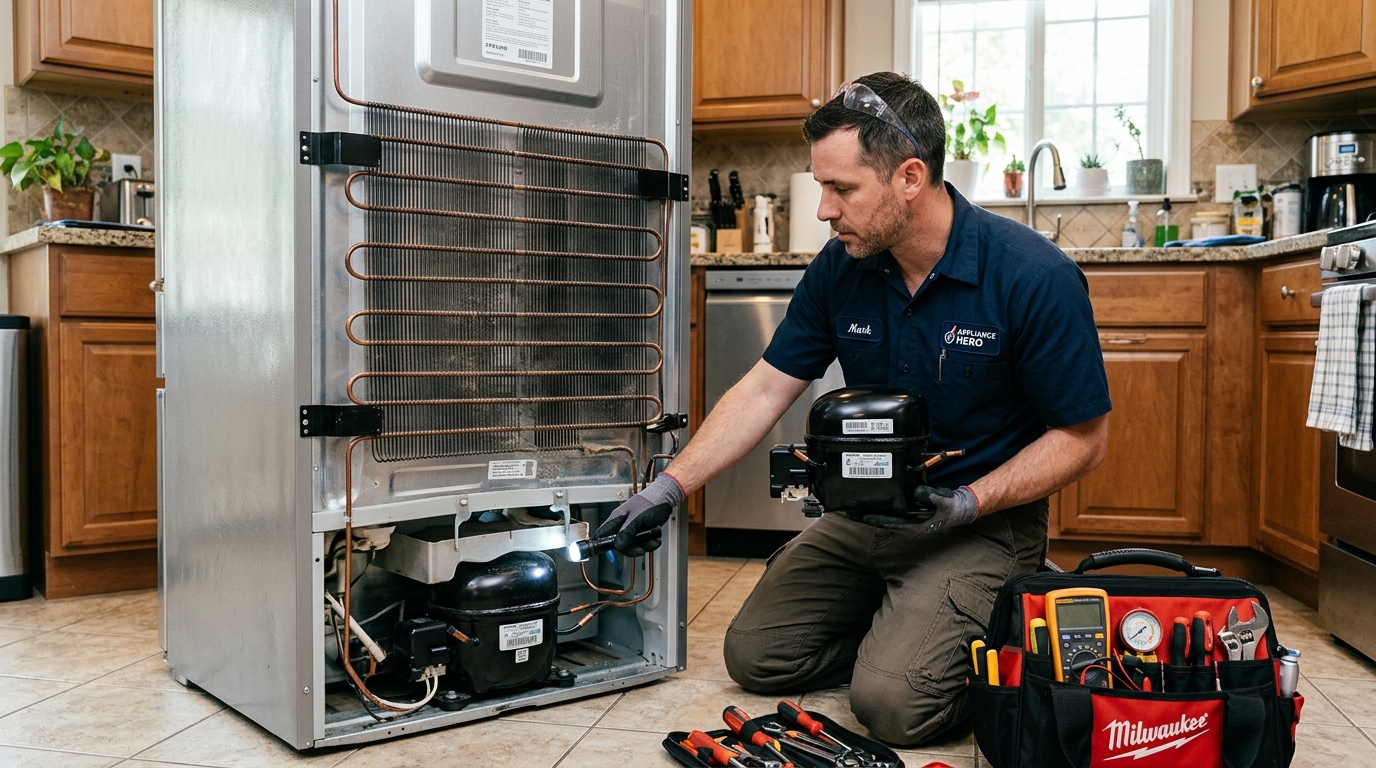
Learn which questions to ask before accepting compressor, relay, cooling-system or refrigerant-related recommendations.
04
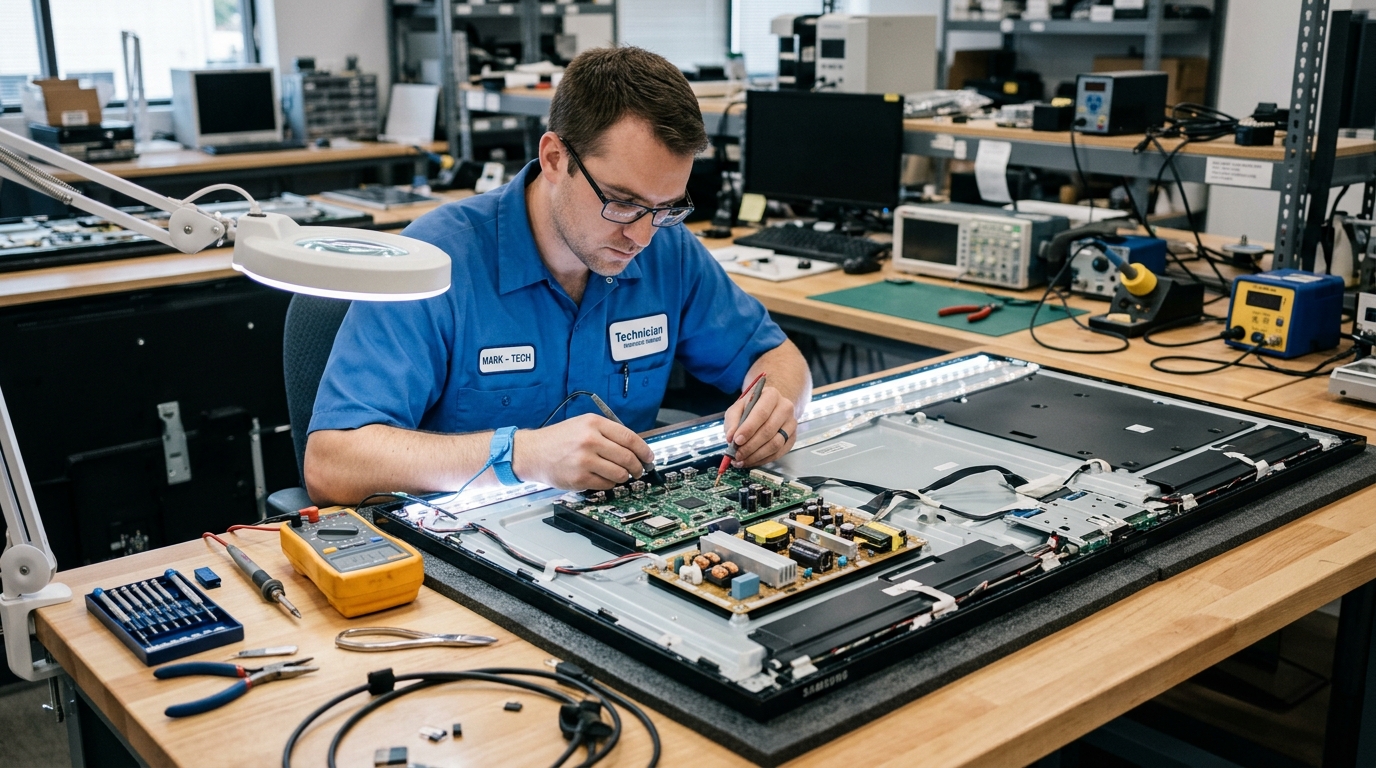
Understand display and backlight checks before agreeing to expensive panel or internal board replacement.
05
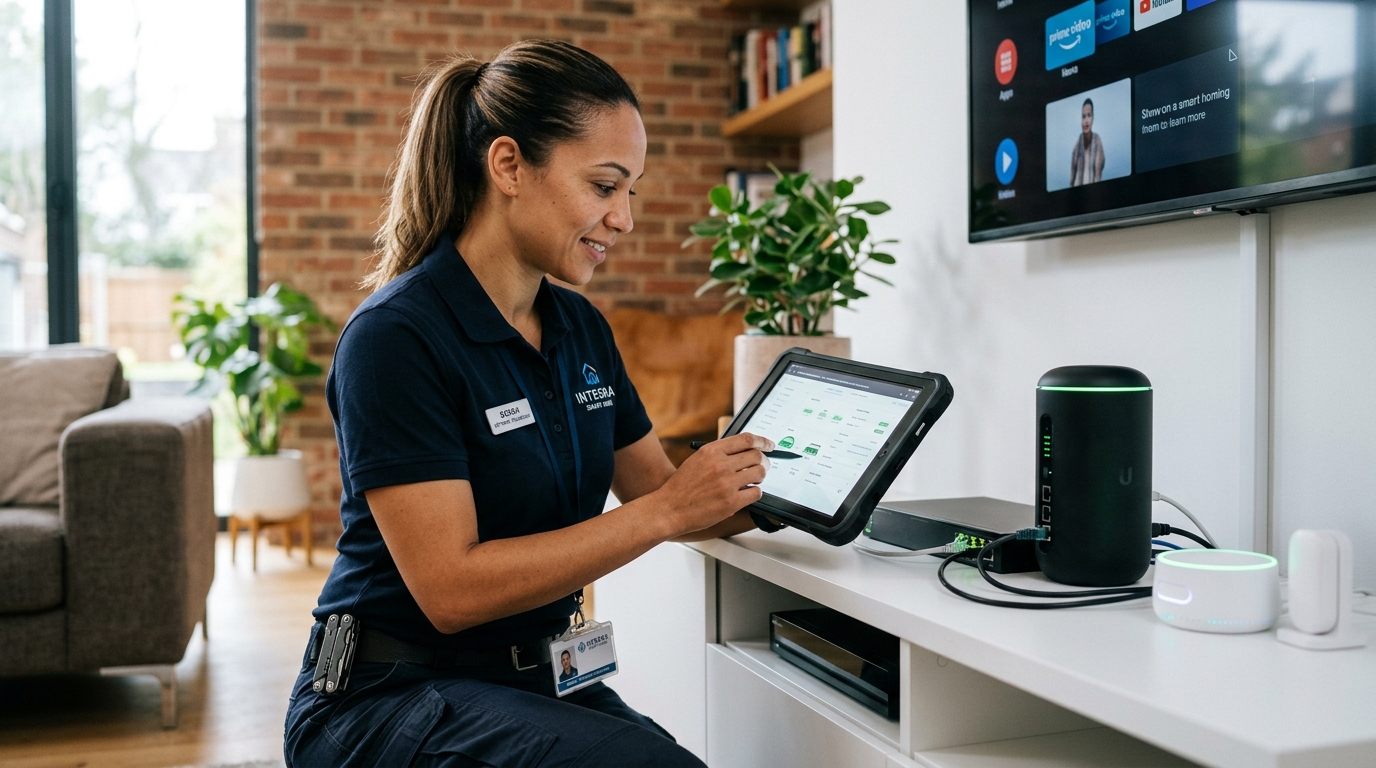
Review account ownership, access permissions and final handover details before connected devices are configured.
06
Review experience, diagnosis methods, replacement parts and testing procedures before handing over your equipment.
Our guides help you understand what to check, what to ask and what to document before agreeing to local repair work.
Compare the full repair quote, product age and expected future use before approving a major repair.
If a repair quote is close to half the cost of a comparable replacement, compare both options carefully before deciding.
Include labor, parts, inspection and other charges in the total repair cost.
Older equipment may be more likely to need additional maintenance later.
Compare expected use, efficiency, warranty and replacement cost.
Use the full quoted amount rather than looking only at one part price.
Age does not decide the answer alone, but it helps put a large repair bill into perspective.
Think beyond today’s repair and compare warranty, condition and expected use.
Ask for a clear breakdown of diagnosis, parts and labor before agreeing to the work.
Ask for the part cost, inspection or visiting fee and labor charge separately.
Ask what was inspected, what problem was found and why the proposed work is needed.
Ask for the part name, compatible number where available, price and replacement reason.
Check visiting or inspection fee, labor charge and other agreed costs before work begins.
Keep the receipt showing work performed, parts used, amount paid and warranty terms.
Use these as starting questions when discussing a proposed repair.
What was checked before recommending a motor, pump or control-board replacement?
How was the cooling problem checked before recommending compressor or gas work?
Which component was tested before recommending a full motherboard replacement?
Was the backlight and related circuitry checked before suggesting display replacement?
Review the completed work, confirm replaced parts and keep a written record before making the final payment.
Take a few minutes to test the repaired item, review the bill and confirm any service or part warranty before closing the job.
If the amount is much higher than expected, ask why and compare another local estimate before approving more work.
Ask to see the removed part and review packaging or part details for the replacement where available.
Run a normal function check while the repair provider is still present so the original issue can be confirmed.
Use a simple real-world check based on the device that was repaired.
Run a short fill, drain and spin check and listen for unusual noise or leakage.
Check that the unit starts normally and ask what cooling behavior to expect after service.
Boot the device and test the specific function or hardware that was serviced.
Check picture, sound and the repaired input or display function before sign-off.
Written records make future follow-up much easier if the same issue returns.
Straightforward answers about quotes, parts, visiting fees, handover, warranties and repair decisions.
Open any question to read a short consumer-focused explanation.
Not always. Compare the repair quote with the cost of a suitable replacement, then consider the product’s age, condition and how long you plan to keep using it.
Keep the invoice and any written service warranty. Contact the repair provider with the original work details and ask what follow-up coverage applies.
Ask why off-site work is needed. Before handover, photograph the part or device, note visible identifiers where available, and get written acknowledgment of what was taken.
Ask for the part name, compatible part number and price. Review packaging or labels when available and keep the replacement details on the final invoice.
A provider may charge a visiting or inspection fee. Ask the amount before the visit and whether it will be adjusted if you proceed with the repair.
Ask what changed and request an updated itemized quote before authorizing additional work. If needed, compare another estimate before proceeding.
Compare clear business details, recent customer feedback, written estimates, service terms and how clearly the provider explains the proposed work.
No. Some work may require workshop tools or testing. Ask why the item needs to leave your home, what exactly is being taken, and how the handover will be documented.